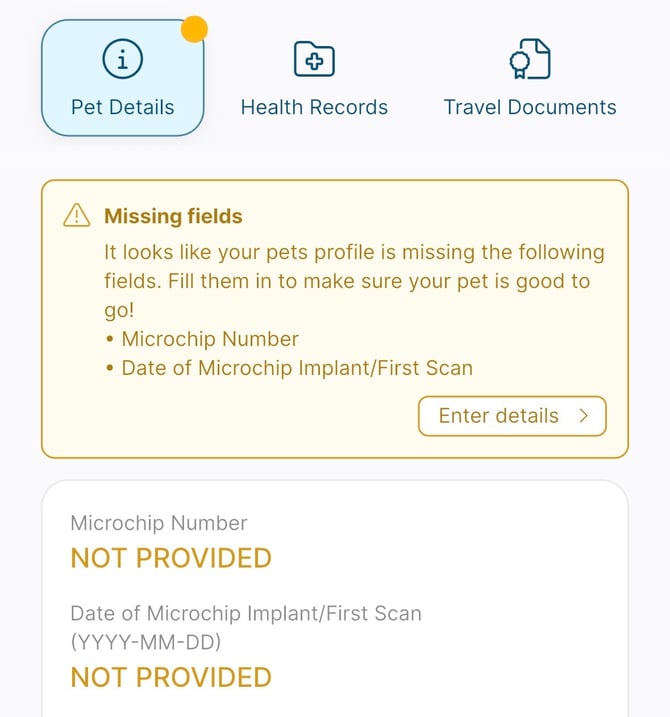
Add a microchip number to an existing pet profile
If your pet profile is missing a microchip number, you can add it from your pet’s profile using the missing fields alert.
Steps
- Open the PadsPass app.
- Tap your pet’s profile.
- Find the missing fields alert at the top of the profile.
- Tap enter details.
- Enter your pet’s microchip number in the microchip field.
- Tap confirm to save your changes.
What to expect
- After you tap Confirm, the microchip number will be saved to your pet’s profile.
- The missing fields alert will update once the required information is complete.